> ## Content Index
> Fetch the complete content index at: https://bepublish.com/llms.txt
> Use this file to discover other available public pages before exploring further.

# The dark mode toggle for Casper theme without modifying it
- URL: https://bepublish.com/dark-mode-toggle-for-casper/
- Published: 2023-05-28T15:16:15.000Z
- Updated: 2026-08-11T14:35:49.000Z
- Description: The following is a guide to help you create a dark mode toggle for the Casper theme without having to edit it.
- Author: Cuong Thach
- Tags: Tutorials, #multilingual

Ghost added dark mode to the Casper theme in a recently updated version. Casper's dark mode is activated automatically based on the dark mode settings of the browser the user is using, instead of allowing the user to select this mode.

The provision of a dark mode toggle is a more convenient option for users. Users can optionally enable or disable dark mode in the website, giving them direct control over the appearance of the website better. This provides more convenience and flexibility for users.

This tutorial will help you add a dark mode toggle to your Casper theme simply without having to customize the theme.

💡

Especially useful when you are using [ghost (Pro) Starter](https://ghost.org/pricing/?via=cuong76&ref=ghostfam.com) service.
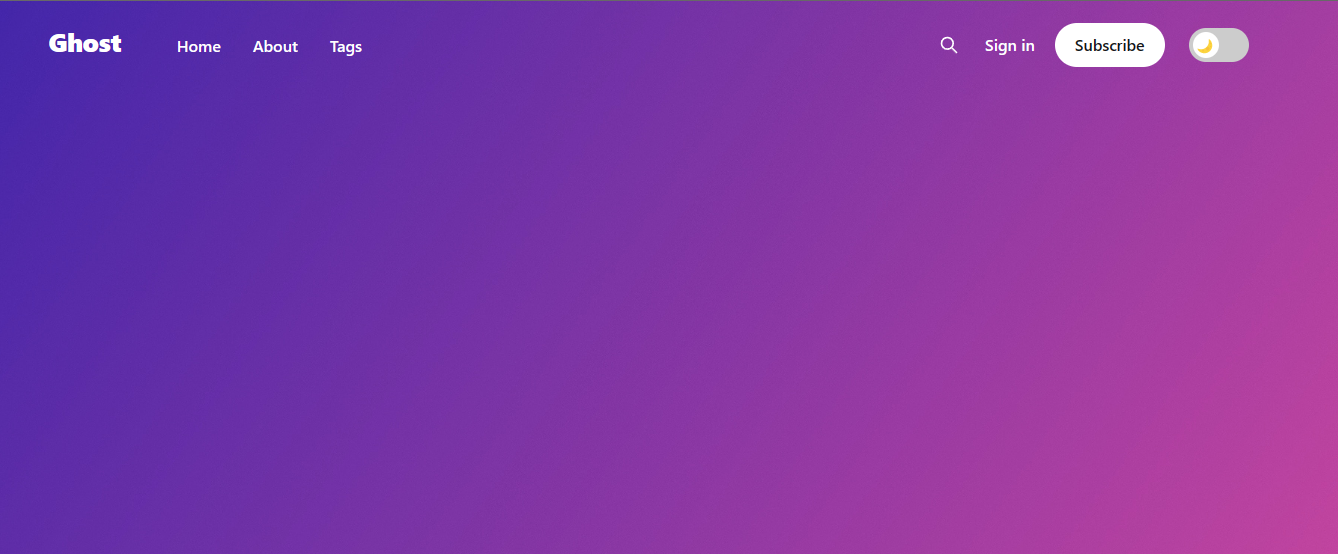
![Sau khi thêm nút chuyển Dark Mode](https://bepublish.com/content/images/2023/05/image-7.png)

After adding the Dark Mode switch

## Step 1: Add CSS code to the site header

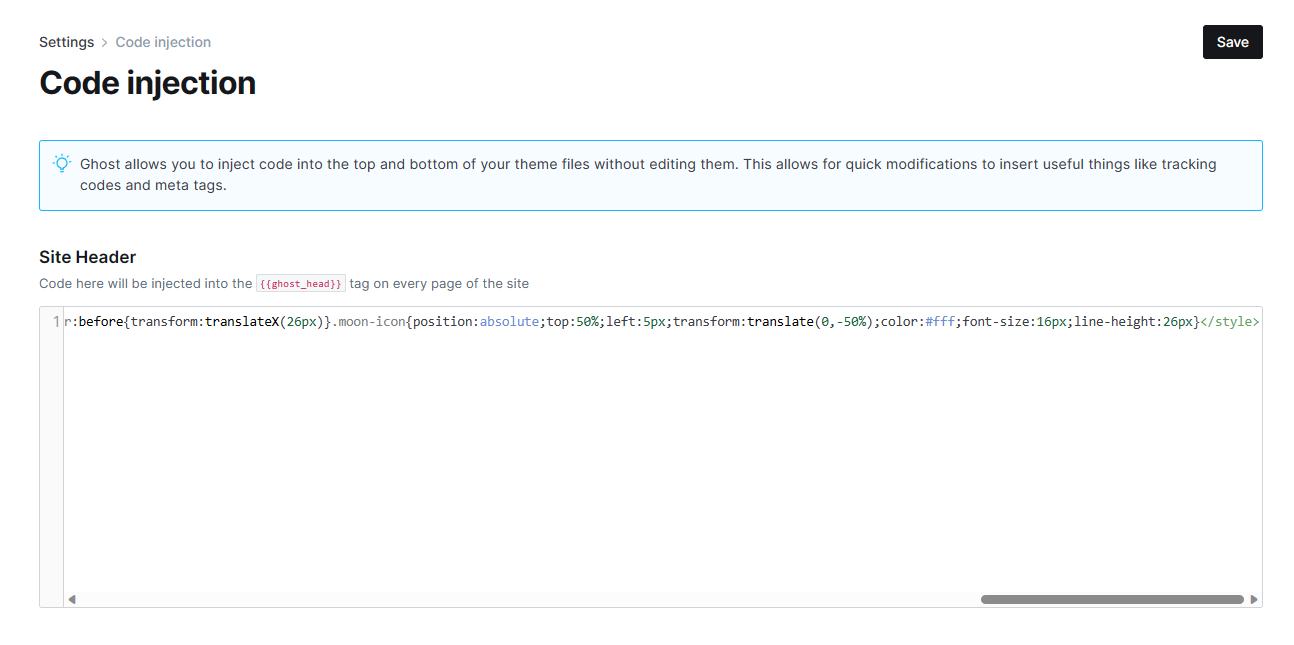
You copy the CSS code below into the site header `/ghost/#/settings/code-injection`

```html
<style>.switch:hover{cursor:pointer}.switch{position:relative;display:inline-flex;}.switch input[type='checkbox']{opacity:0;width:0;height:0}.slider{position:relative;display:inline-block;width:60px;height:34px;background-color:#ccc;border-radius:34px;transition:.4s}.slider:before{position:absolute;content:'';height:26px;width:26px;left:4px;bottom:4px;background-color:#fff;transition:.4s;border-radius:50%}input[type='checkbox']:checked+.slider{background-color:#ccc}input[type='checkbox']:checked+.slider:before{transform:translateX(26px)}.moon-icon{position:absolute;top:50%;left:5px;transform:translate(0,-50%);color:#fff;font-size:16px;line-height:26px}</style>
```

![Setting > Code injection > Site Header](https://bepublish.com/content/images/2023/05/image-8.png)

Setting > Code injection > Site Header

The main color of the button will be based on the color of the ghost accent color.
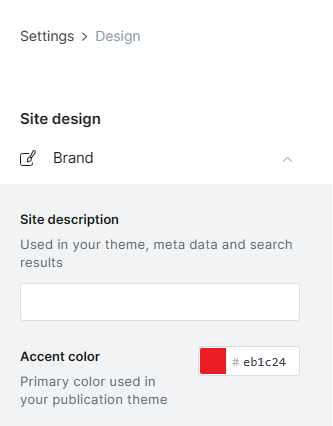
![Màu nút sẽ theo Accent Color](https://bepublish.com/content/images/2023/05/image-10.png)

Màu nút sẽ theo Accent Color

## Step 2: Add JavaScript code to site footer

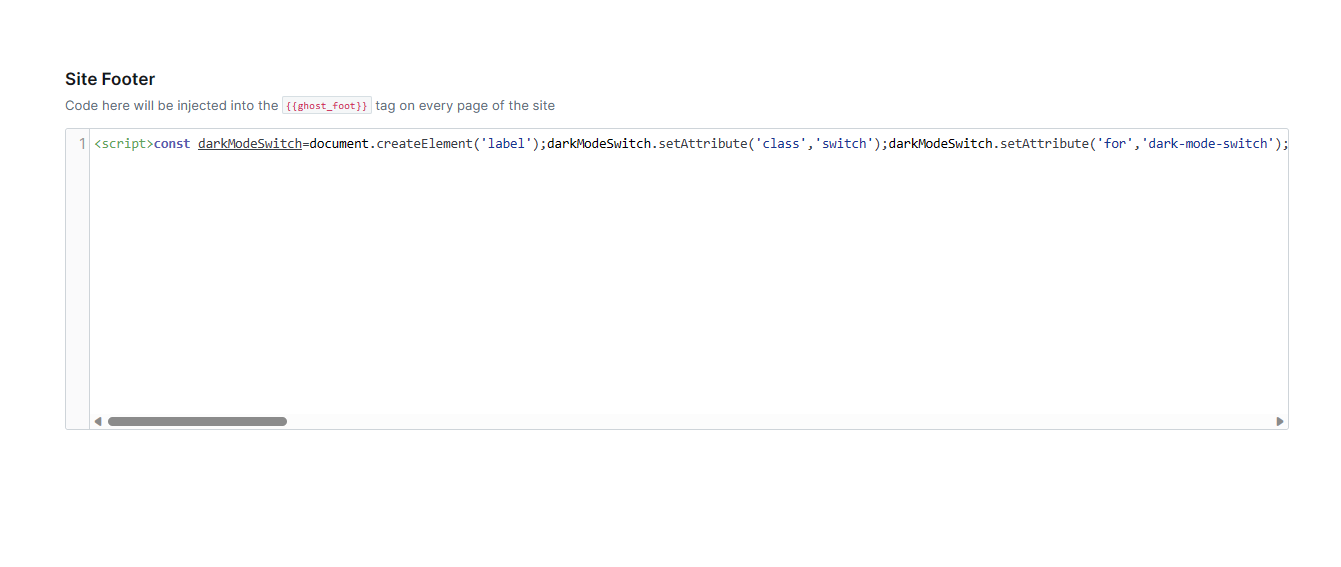
You copy and paste the code below into the site footer `/ghost/#/settings/code-injection`

```html
<script>const darkModeSwitch=document.createElement('label');darkModeSwitch.setAttribute('class','switch');darkModeSwitch.setAttribute('for','dark-mode-switch');const inputCheckbox=document.createElement('input');inputCheckbox.setAttribute('type','checkbox');inputCheckbox.setAttribute('id','dark-mode-switch');const slider=document.createElement('span');slider.setAttribute('class','slider');const moonIcon=document.createElement('span');moonIcon.setAttribute('class','moon-icon');moonIcon.textContent='🌙';slider.appendChild(moonIcon);darkModeSwitch.appendChild(inputCheckbox);darkModeSwitch.appendChild(slider);const targetElement=document.querySelector('.gh-head-members');targetElement.insertAdjacentElement('afterend',darkModeSwitch);document.addEventListener('DOMContentLoaded',function(){const htmlElement=document.querySelector('html');darkModeSwitch.addEventListener('change',function(){htmlElement.classList.toggle('dark-mode');if(inputCheckbox.checked){moonIcon.style.display='none'}else{moonIcon.style.display='inline'}})})</script>
```

![Setting > Code injection > Site Footer](https://bepublish.com/content/images/2023/05/image-9.png)

Setting > Code injection > Site Footer
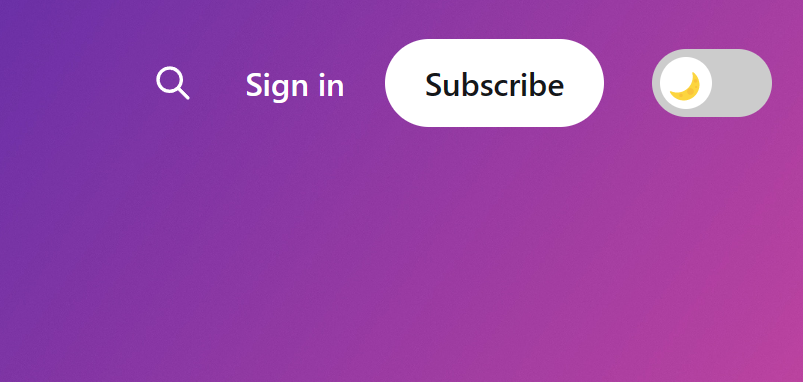
![Toggle on the Desktop](https://bepublish.com/content/images/2023/05/image-11.png)

Toggle on the Desktop

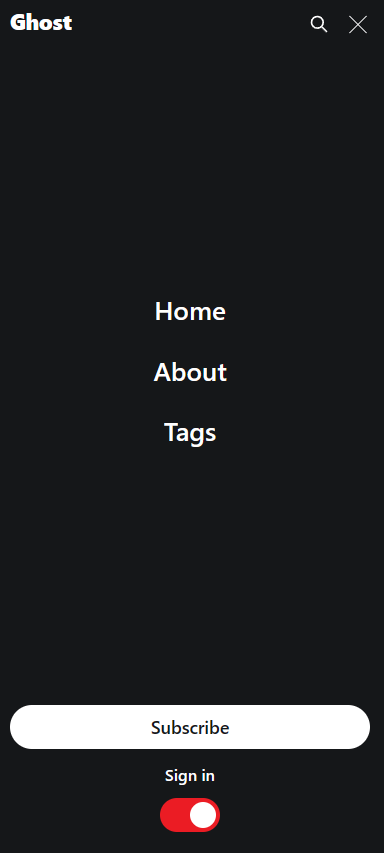
![Toggle on the Desktop](https://bepublish.com/content/images/2023/05/image-12.png)

Toggle on the mobile

## **Final Thoughts...**

Unfortunately, the button will not work to switch the theme to Light Mode if the user is using the default Dark Mode for the system.

Good luck!